

Best invoice app for tradesmen

Best invoice app for tradesmen.
Simple, fast, and built around real jobs.

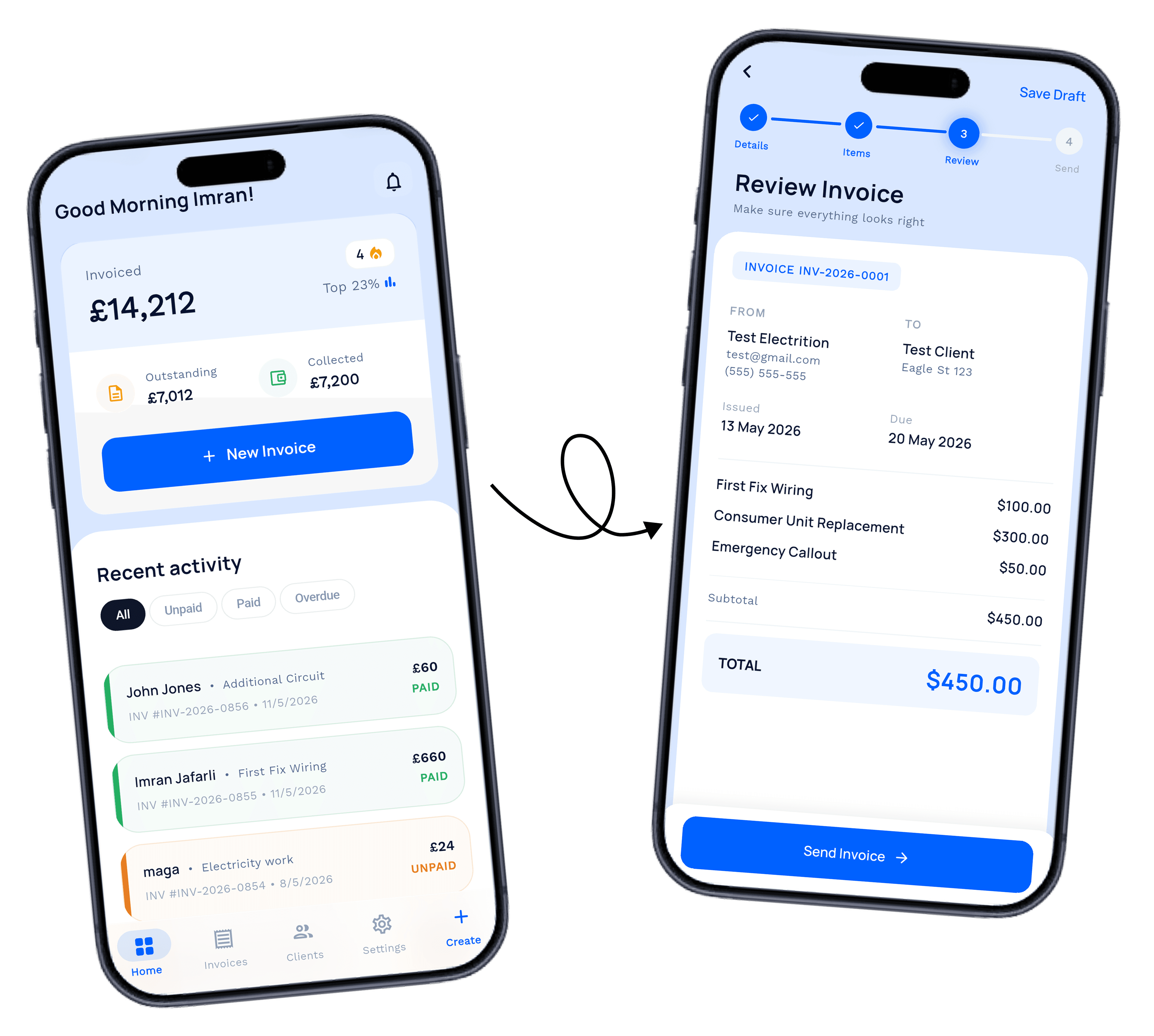
If you want the best invoice app for tradesmen, this one gives you country-based stats for prices, preloaded prices and items, preloaded taxes, personal email sending, and before and after image uploads in a simple workflow you set up once and use after.

Set up once, use after, and keep every invoice simple

TradeInvoice Pro dashboard on an iPhone
Country-based price stats
Sends from your personal email
Set up once and use after

Why it works

What the best invoice app for tradesmen actually needs

Better pricing context. Less typing. A send that looks like you, not a robot. Proof attached to every job.

Country stats

See when a price looks high or low for your market before you send it.

Reusable setup

Preloaded items and taxes keep every invoice consistent — set up once.

Personal delivery

Invoices send from your own email, so clients open and trust them.

FeatureTradeInvoice ProGeneric invoice appManual admin
Country-based stats for pricesYesNoNo
Preloaded prices and itemsYesNoNo
Sends from your personal emailYesNoNo
Preloaded taxesYesNoNo
Before and after image uploadsYesNoNo
Set up once and use afterYesNoNo

Country-based stats

Price with confidence.
Know your market.

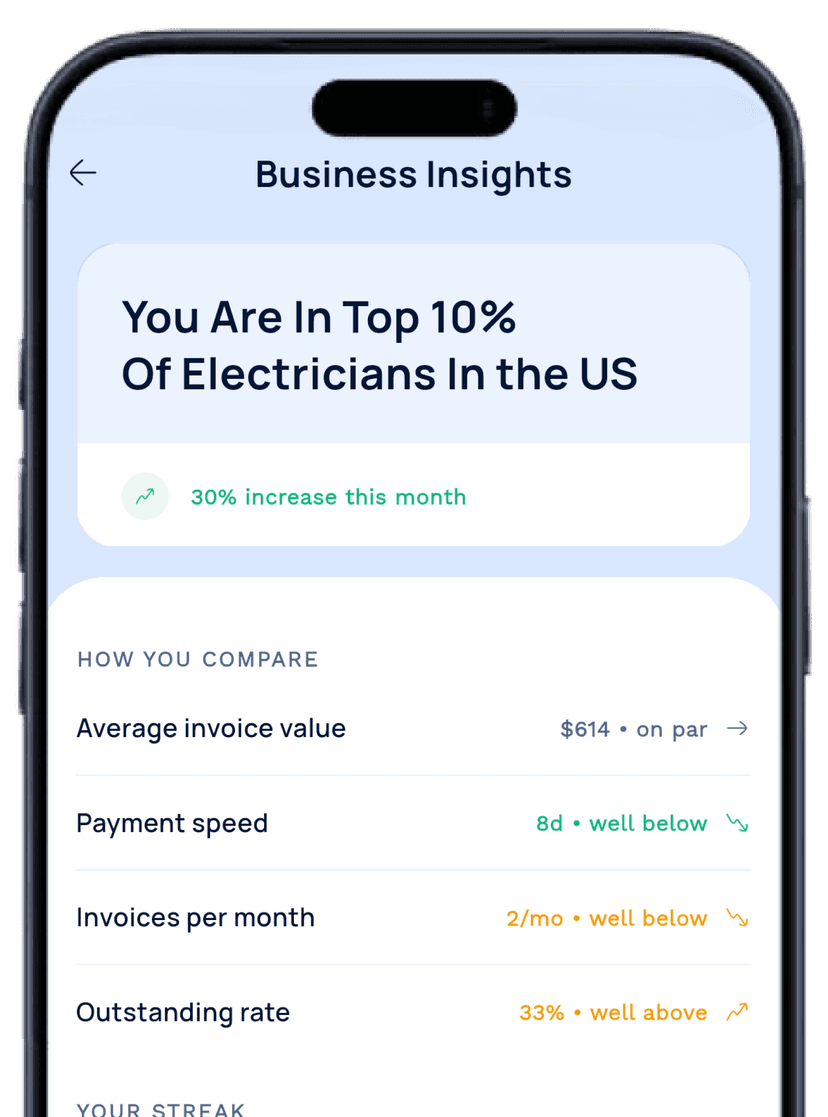
The app shows country-based stats for prices so you can judge whether a job is high, low, or on target — stay fair, stop undercharging, and keep every invoice aligned with the market you work in.

Works across the UK, US, Australia, Canada, Ireland, and New Zealand, so the pricing context stays useful wherever the work takes you.

Country statsHigh / low signalsPrice confidence
Country-based business insights screen

Built in from day one

Ready the moment you open it.

The best invoice app for tradesmen shouldn't need an afternoon of setup. This one is simple to use, set up once, and keeps the main things already prepared.

Simple to use

The workflow stays light, so it feels ready from day one — not after a long setup process.

Preloaded taxes

Tax details are already in place, so every invoice stays consistent from the start.

Personal sending

Invoices go from your own email, so it feels like your business — not an app.

Set up once

Do the setup one time, then keep the same fast flow on every job after.

Ready immediately

Preloaded invoice setup

  • Preloaded prices and items
  • Preloaded taxes
  • Set up once and use after
  • Simple to use on site

Sends from your personal email

Clients see a message from you — familiar, professional, and far more likely to get opened and paid.

Before and after

Show the work.
The invoice explains itself.

When the customer can see the original problem and the finished result, the invoice is easier to trust. Upload before and after photos as part of the same simple workflow.

It keeps the job record neat and gives you something concrete to show when a customer wants to understand the value behind the bill.

Clear job recordBetter client trustEasy to show value
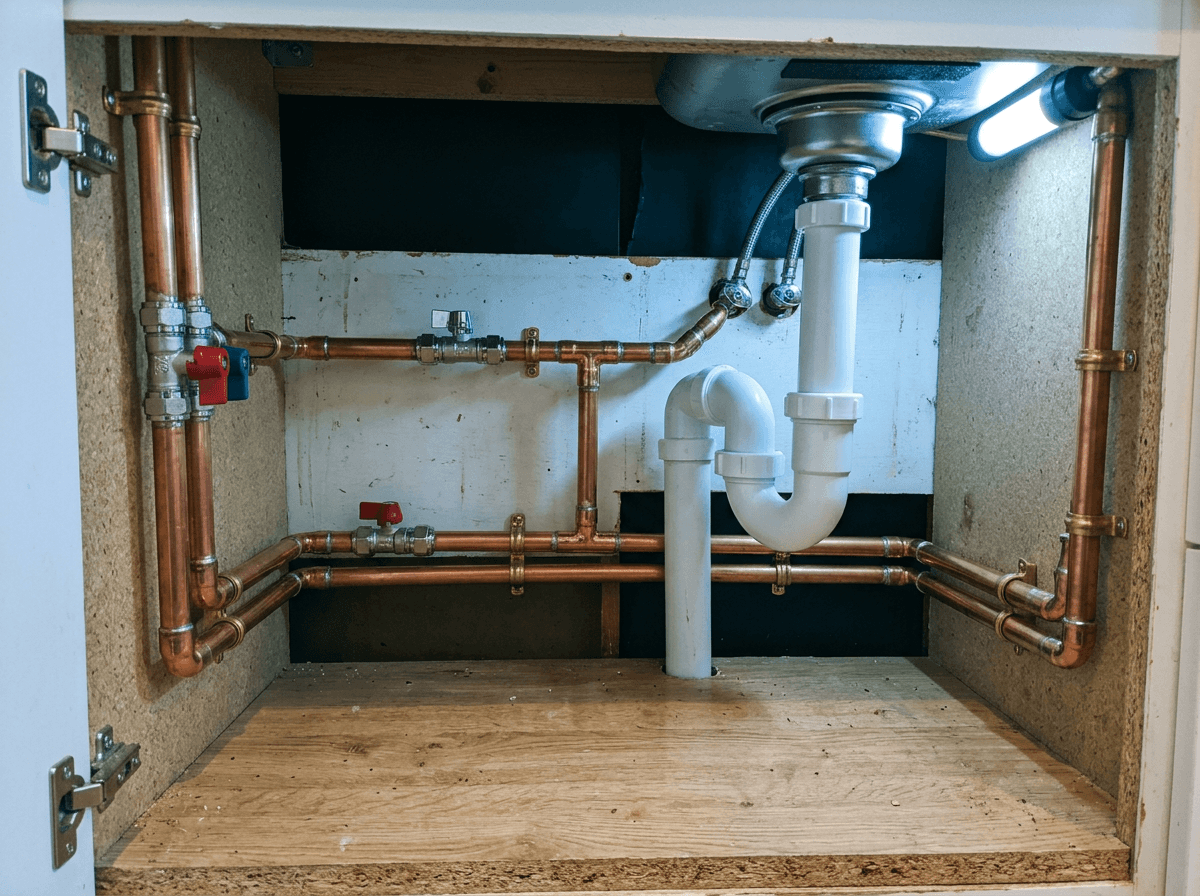
Before photo attached to a job
Before

The original condition, attached to the job.

After photo attached to a job
After

The finished result, on the invoice.

Go deeper

Every feature, explained properly

The short version is on this page. If you want the detail on how each part works — the voice invoicing, the automatic payment chasing, the CIS and VAT handling — each feature has its own page.

Questions about the best invoice app for tradesmen

4.9 / 5

Simple invoice app for tradesmen

Ready to use the best invoice app for tradesmen?

Download the app, set it up once, and keep using the same clear workflow on every job.

Download on the App Store

Country stats · Personal email · Preloaded items · Before and after images