Feature
Payment Tracking and Automatic Chasing
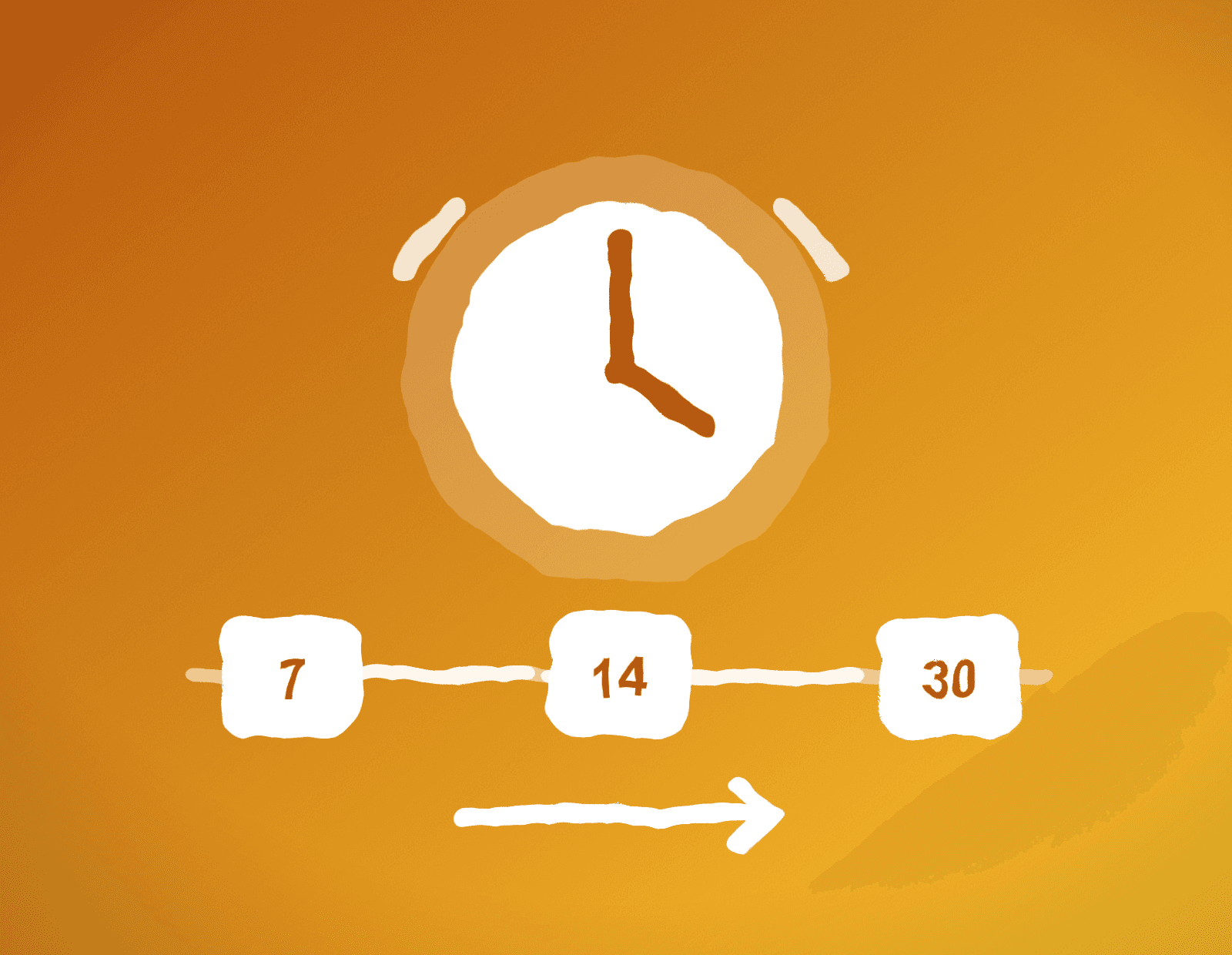
See paid, pending and overdue at a glance — and let the app chase late payers at 7, 14 and 30 days from your own email.
 Automatic chase emails at 7, 14 and 30 days overdue
- Log partial payments and see paid vs outstanding live
- Marking an invoice paid auto-sends the client a branded receipt

The detail
How it works
Late payments aren't usually malice — they're forgetfulness. But chasing them is awkward, so most tradespeople don't, and the money sits uncollected. TradeInvoice Pro does the chasing for you.
When you send an invoice, you pick the reminder milestones: 7, 14 and 30 days overdue, all on by default, each one optional. The app checks daily, and when a milestone hits you get a push notification — one tap opens a pre-written chase email in your own mail app: polite at 7 days, firmer at 14, urgent at 30, with the invoice PDF re-attached and your payment details repeated.
The dashboard shows the state of your money at a glance: every invoice tagged paid, pending or overdue, an overdue badge with your total outstanding, and a bulk "chase all overdue" flow that walks you through late payers one client at a time. The moment an invoice first goes overdue, you know about it.
Payments go straight to you — your bank details print on every invoice with the right fields for your country, and the payment reference is set to the invoice number automatically. Log partial payments as they come in, and when an invoice is settled, marking it paid auto-emails the client a branded receipt. The app never touches your money and never takes a cut.
Questions tradespeople ask
How does automatic payment chasing work?
You pick reminder milestones when sending an invoice — 7, 14 and 30 days overdue. When one hits, you get a push notification and one tap opens a pre-written chase email in your own mail app, with the PDF attached and your payment details repeated. Polite at 7 days, firmer at 14, urgent at 30.
Do you take a cut of my invoices?
No. Clients pay you directly by bank transfer using the details printed on the invoice (or an optional PayPal.me link). TradeInvoice Pro never touches the money.
Can I log a partial payment?
Yes. Log partial payments against any invoice and the paid vs outstanding totals update live. When it's fully paid, marking it settled automatically emails the client a branded receipt.