
12 December 2025 · 5 min read
Mobile Invoicing: Send the Bill Before You Leave Site
Why invoicing from your phone on-site beats end-of-week admin — and what it does to your payment times.
Trade work moves fast, and invoicing should keep pace. When billing happens at a desk at the end of the day — or worse, at the end of the week — the admin backlog builds, details get forgotten, and the time between finishing work and getting paid stretches unnecessarily.
Billing moves to the job site
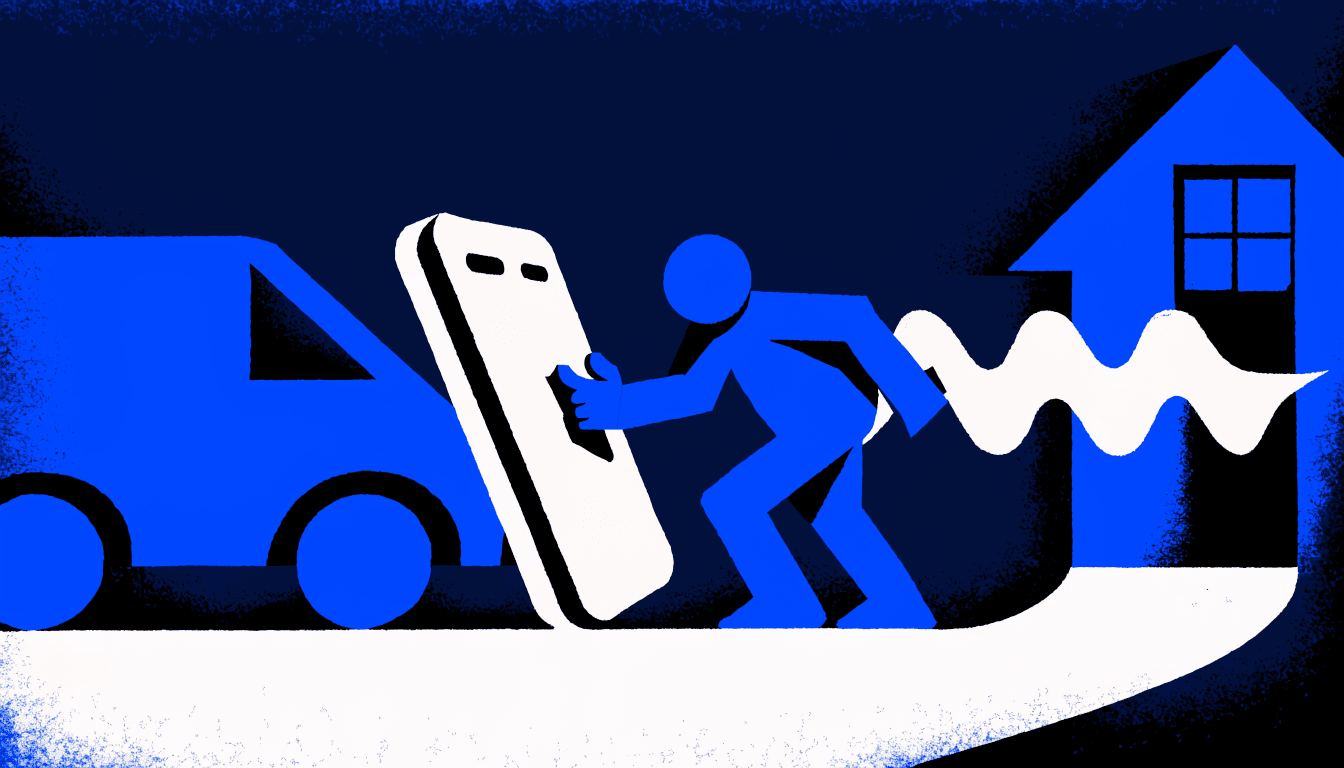
Mobile invoicing moves the billing step to the job site. The tradesperson who finishes a repair, creates the invoice on their phone, and sends it before getting back in the van is running a fundamentally different cash flow model than the one who batches invoicing on Friday afternoons.
Fresh details, fewer disputes
When invoice data is entered immediately after the job, accuracy improves significantly. Labour hours are exact because they're logged while the job is still fresh. Materials are correct because they're added from the parts actually used, not reconstructed from memory hours later. Accurate invoices get fewer disputes, and fewer disputes means faster payment.
What the client experiences
Same-day invoicing changes the client experience too. Receiving the bill while the job is fresh in their mind makes approval quick and natural — they can confirm the work matches what was agreed, approve the cost, and pay in one mental step. That's far easier than reconnecting with the memory of a job several days later.
The phone-interface barrier is gone
The practical barrier to invoicing from a phone used to be that the interfaces were too small and fiddly for admin work. That barrier is gone. Modern trade invoicing apps are built for one-handed use on site — big tap targets, saved customer and item data, and voice input that turns a spoken description of the job into a finished invoice.
Check it works offline
One thing to check before relying on any mobile invoicing app: does it work offline? Job sites don't come with guaranteed signal. An offline-first app lets you create the invoice in the basement or the new build with no coverage, and syncs it automatically when you're back in range — so 'no signal' never becomes 'I'll do it later'.